

The popular advice is to pick the AI coding agent that wins the biggest benchmark or generates the most code. That misses the operational question that determines whether a team can ship: where does the code run, how does the agent reach the repository, who reviews the result, and how can someone debug it when the agent gets stuck? This comparison evaluates coding capability alongside repository and CI workflow, deployment and hosting, preview environments, observability, pricing control, privacy, and agency delivery. It includes commercial and open-source tools, but they occupy different categories. IDE agents work beside a developer, autonomous developers take on multi-step tickets, hosted app builders reduce environment setup, and managed infrastructure keeps agents running after the developer closes the editor.
Table of Contents
1. Deploy - Cursor
Deploy - Cursor on Sokko changes Cursor from an editor-centered tool into an always-on hosted coding runtime. Sokko provisions one isolated machine for the agent, giving teams a persistent environment rather than a process that depends on a developer's laptop remaining open. That distinction matters for repository work, scheduled tasks, review responses, and teams that want an agent available outside local working hours.
The deployment path is deliberately operational. A team can launch from the dashboard or CLI, connect GitHub, inspect live logs, and open an in-browser terminal for commands and debugging. Cursor can create pull requests and respond to review comments, so the workflow can continue from task to branch to review without someone manually copying work between chat and a local checkout. Details on the wider hosting model are covered in Sokko's guide to AI agent hosting.

Where the hosted model stands out
A dedicated machine offers more predictable execution than a shared, short-lived session. Teams can use their own model keys or Sokko credits, give the agent access to organization-shared persistent memory, and connect services such as Slack, GitHub, Notion, and email. Private networking through Tailscale or Cloudflare Tunnel, custom domains, and EU-region options make the deployment model more relevant to organizations with internal systems or regional data requirements.
This is also a visibility advantage. The web console exposes logs and audit trails, while the terminal lets an engineer inspect the environment directly instead of treating the hosted agent as a black box. For an agency, custom domains and per-client isolation can support a managed delivery model. For an operations team, connected workplace tools let the agent report progress where people already work.
Operational rule: A coding agent earns trust when the team can inspect its environment, reproduce its actions, and review its changes without relying on the agent's final message.
There's one important boundary. Cursor runs as a hosted agent on its own machine inside Sokko's multi-runtime platform, but it doesn't currently drive Sokko devboxes. That means it won't automatically deploy each branch to the clickable preview URLs supported by other runtimes. Choose Deploy - Cursor when the priority is persistent repository execution, PR automation, integrations, and observability. Choose a runtime with devbox control when the agent-to-preview loop is the deciding requirement.
2. Cursor
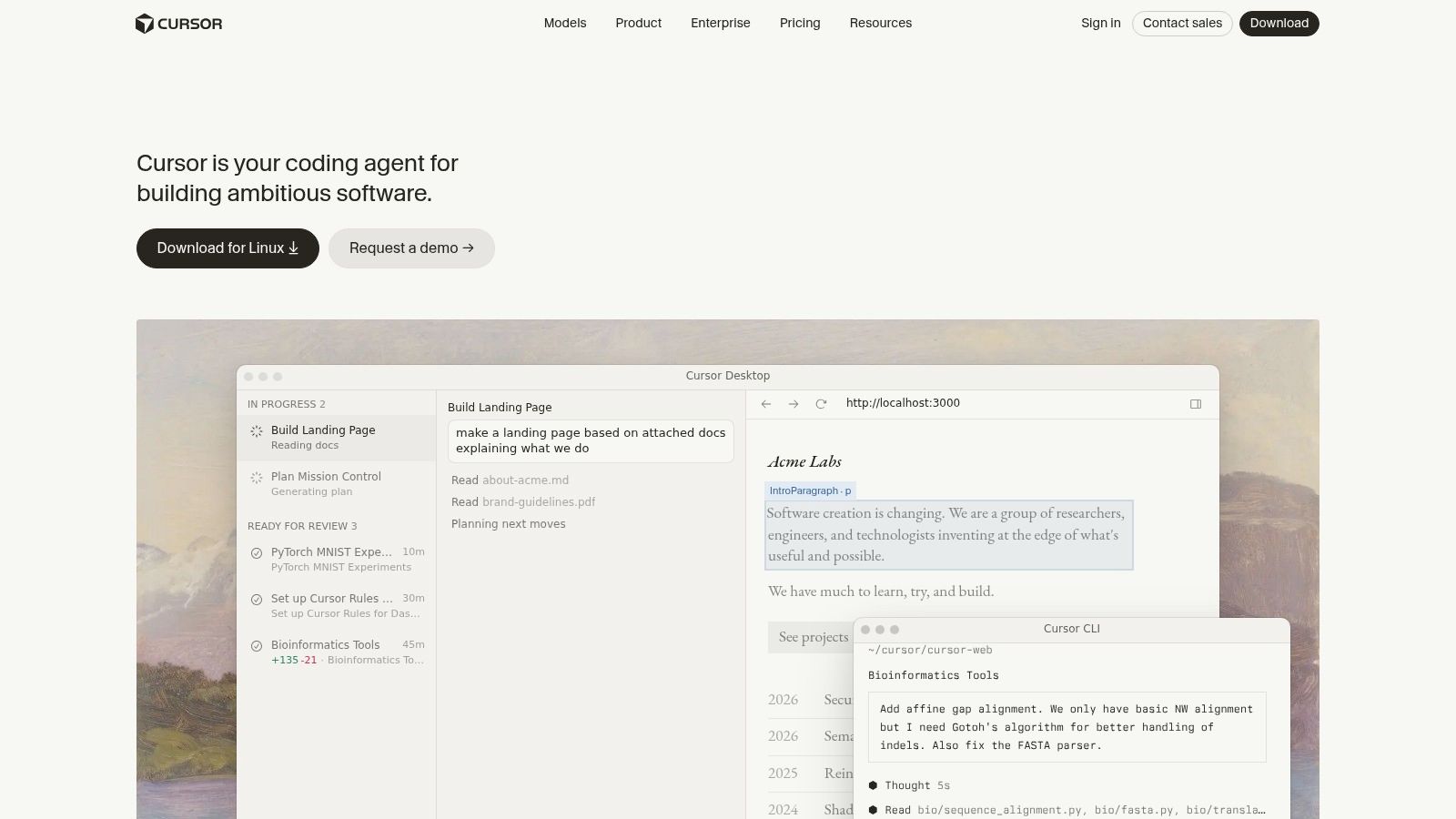
Cursor is the strongest fit for developers who want an agent-first IDE workflow rather than a separate autonomous service. Its agent mode can plan a change, edit multiple files, run commands, and iterate inside the repository context. The developer stays close to the code, terminal, diff, and model interaction, which makes it practical for feature work where judgment and rapid correction matter.
The product also gives experienced users more control over model behavior than a basic autocomplete tool. Repository-level documentation, rules, and skills can establish conventions that the agent should follow across tasks. Its model options and Auto or Max modes let developers choose between convenience and more deliberate control, while token-based and model-billed usage makes the underlying cost of a task visible.
The trade-off between control and predictability
Cursor's main advantage is also its limitation. The IDE gives a developer fine-grained control over context, edits, commands, and approval, but the workflow remains tied to the user's local setup unless the team adds a hosting layer. That's suitable for individual engineers and IDE-first teams. It's less complete for organizations that need an agent to remain active, open PRs asynchronously, or operate from a centrally managed machine.
Pricing control also requires attention. Token and model usage can make costs more transparent at the task level, but the final bill depends on how much context the agent consumes and which model path it uses. Teams should evaluate representative repository tasks rather than assuming a seat price captures the operating cost.
The practical distinction is between an agent inside the developer's workspace and an agent that functions as a persistent team service. Cursor is excellent at the first. Sokko's AI code agent overview explains the second model, where Cursor can run headlessly on a managed machine and continue repository work beyond a local session. That hosted arrangement adds deployment and observability, but it doesn't turn Cursor into a general-purpose application runtime or give it current control over Sokko devboxes.
3. GitHub Copilot, Copilot Agents
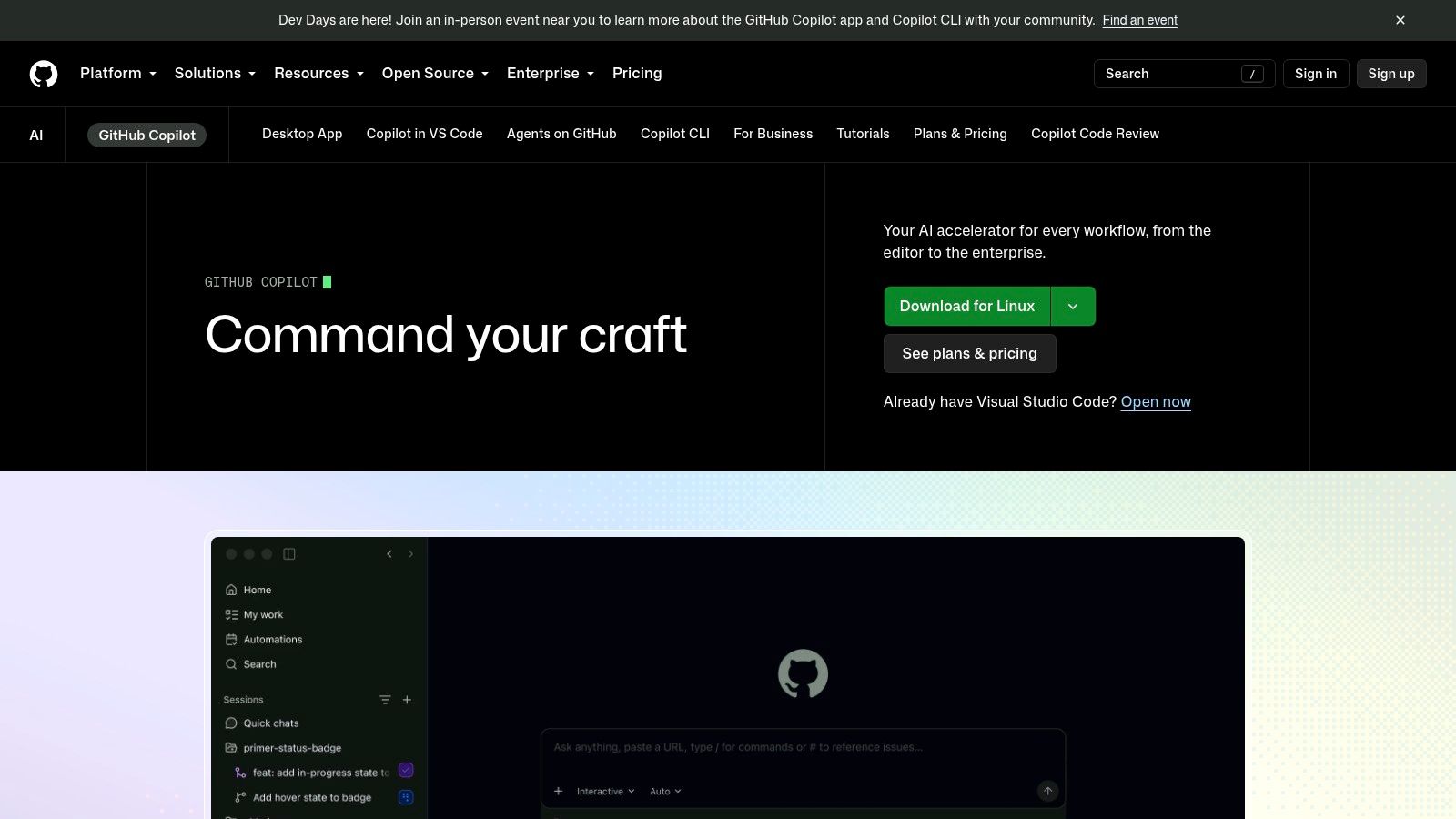
GitHub Copilot is the natural choice for organizations whose engineering workflow already lives in GitHub. Its agent capabilities extend across the editor and GitHub itself, allowing agents to modify workspace files, plan changes, draft pull requests, run checks, and work with repository and security tooling. The value isn't only code generation. It's the reduction of handoffs between the issue, branch, pull request, checks, and review.
The multi-surface approach matters for distributed teams. Developers can interact through VS Code, GitHub.com, mobile, and the CLI, while cloud-agent workflows can operate on repository tasks without requiring every step to happen inside one editor. Approval and undo controls in the workspace also preserve a degree of human control over changes.
Why repository integration beats isolated capability
Copilot's strongest differentiator is the native GitHub operating model. Repository permissions, pull requests, checks, security scanners, and policy controls sit close to the agent rather than requiring a separate integration layer. That gives engineering managers a clearer governance story than a collection of disconnected IDE extensions.
The limitation is surface fragmentation. Agent behavior and availability can vary between VS Code, GitHub.com, and cloud-agent modes, as well as between plans. Teams shouldn't evaluate Copilot from one interface and assume every workflow behaves identically elsewhere. Test the exact path from issue to PR, including secrets, checks, review comments, and failure recovery.
Copilot also isn't primarily a hosting platform. It can work with cloud execution in its supported agent modes, but teams needing a dedicated, continuously available machine, custom networking, live terminal access, or a separate preview environment may need infrastructure alongside it. For GitHub-centered teams, that's often an acceptable trade. The repository system remains the control plane, and the agent fits naturally into it.
4. Devin
Devin takes a more autonomous position than a typical IDE agent. It's designed to decompose a task, plan an implementation, write code, run tests, debug failures, and ship a change under agent control. That makes it attractive for teams piloting an AI developer workflow rather than merely adding assistance to a human developer's editor.
The product's appeal depends on task shape. A multi-step issue with a clear repository context, explicit acceptance criteria, and a testable outcome gives Devin room to demonstrate autonomy. A vague architectural decision or a task that depends on undocumented organizational knowledge demands more supervision, regardless of how capable the agent is.
Autonomy creates an operating responsibility
Devin's heavier autonomy model means teams must define boundaries before they scale usage. Repository permissions, test requirements, branch rules, review ownership, and escalation paths all matter. The agent may be able to execute a long chain of actions, but that doesn't remove the need for a human to decide whether the result belongs in production.
That's where Devin differs from Cursor and Copilot. Cursor emphasizes an interactive developer loop. Copilot emphasizes GitHub-native assistance across surfaces. Devin emphasizes delegation of a complete task. None is universally better. The right choice depends on whether the team wants a collaborator in the workspace, a repository-integrated assistant, or a more independent task executor.
The cost and process burden are also higher than with a lightweight IDE agent. Teams should budget for oversight, environment preparation, debugging, and review time, not just access to the tool. Devin can make sense for a controlled autonomy pilot with repeatable ticket types. It's a less obvious first choice for a solo developer who mainly needs fast edits in a local codebase.
5. Replit Agent
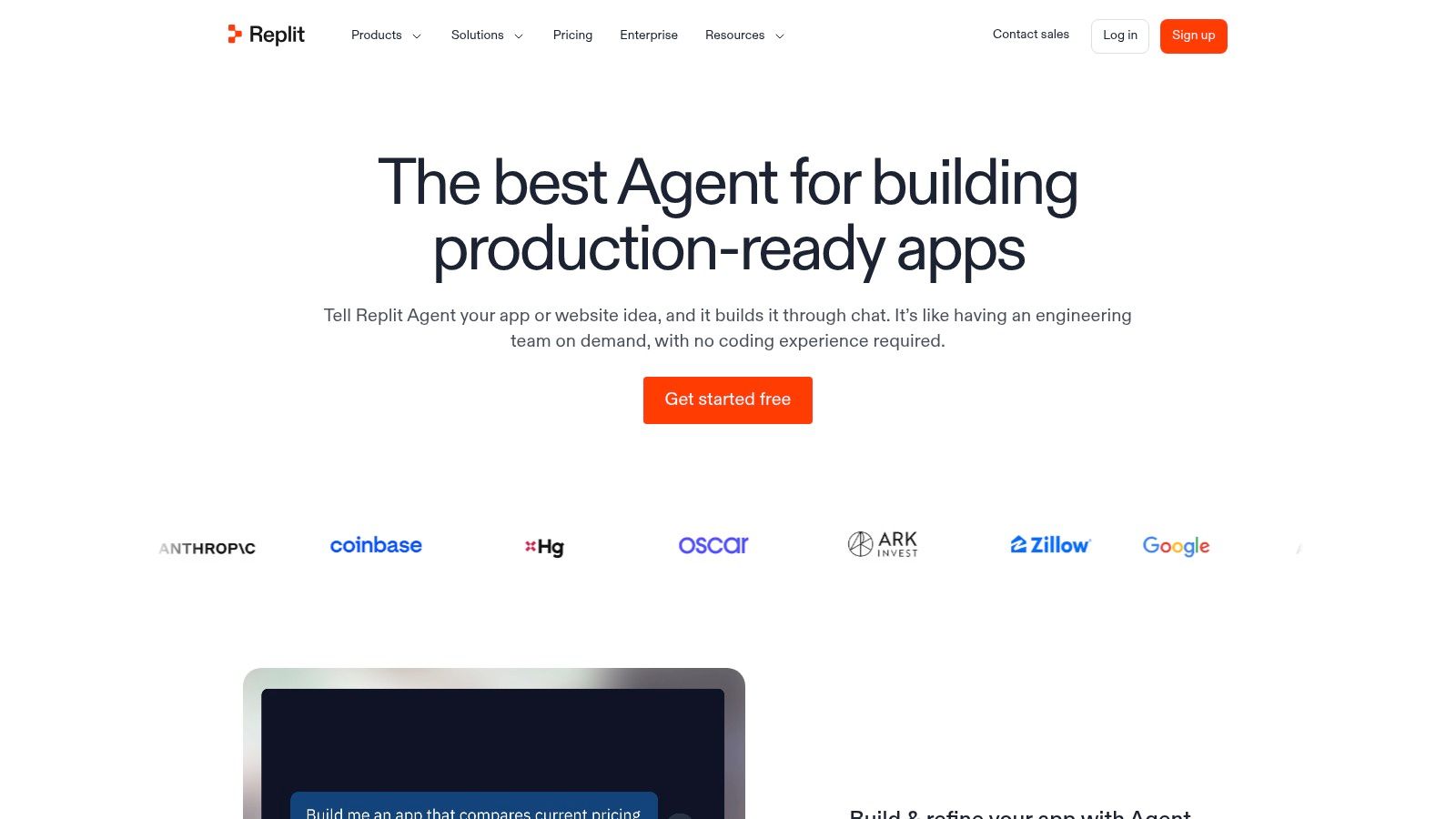
Replit Agent optimizes for the shortest path from a natural-language idea to a running application. The agent scaffolds a project, iterates on the code, configures the environment, and deploys inside Replit's managed cloud. That makes it particularly useful for solo builders, product exploration, internal tools, and teams that don't want to spend their first session configuring a local runtime.
The key distinction is that Replit combines the coding agent with the hosting environment. A user doesn't need to assemble a separate machine, deployment pipeline, or preview service before seeing the result. This is a meaningful advantage for non-specialists and for early prototypes where speed of feedback matters more than fitting an established enterprise platform.
Fast prototypes, narrower infrastructure choices
Replit's managed environment reduces friction, but it also limits control compared with a dedicated runtime or private cloud setup. Organizations that require local development parity, private VPC execution, custom network boundaries, or direct control over infrastructure should examine those requirements before standardizing on it.
Usage-based, effort-metered billing introduces another decision point. A conversational workflow can involve repeated attempts, context expansion, and revisions, so teams should set spend controls and observe how their own tasks consume usage. The question isn't whether metering is bad. It's whether the team can forecast costs from the way it works.
Persistent context also affects the quality of longer projects. An agent that remembers project decisions, conventions, and prior fixes avoids repeated onboarding, which is why persistent memory for AI coding agents matters when a prototype becomes an ongoing product. Replit is the better fit when integrated hosting and low setup effort outweigh infrastructure customization. It's not the obvious choice for agencies delivering isolated client environments or engineering groups with strict network and residency controls.
6. Continue.dev
Continue.dev is the open-source option for teams that want to control the editor agent, model connection, and workflow configuration. It runs in VS Code and JetBrains, offers agent behavior for reading, searching, editing, and command execution, and supports a CLI. Teams can bring their own API keys or connect local models instead of accepting one vendor's model and hosting decisions.
That flexibility changes the buying equation. The core software is open source under Apache 2.0, so organizations pay for model access and the infrastructure they choose rather than for a bundled proprietary agent experience. A team with strong platform engineering skills can shape the tool around its own policies, endpoints, approval flows, and development environment.
Openness moves work onto the team
Continue.dev's weakness is operational responsibility. Reliability depends on the selected model, tool configuration, local machine, permissions, and surrounding workflow. A managed product can hide much of that complexity. Continue.dev exposes it, which is valuable for teams that need transparency but demanding for teams that want a polished, centrally operated service.
This is also where privacy decisions become concrete. A local model or private endpoint can reduce exposure to external services, but the organization must operate and secure that endpoint. A BYO-key setup can preserve provider choice, but teams still need to understand what repository context leaves the environment and which tools the agent can invoke.
Continue.dev is a strong match for open-source adopters, model-flexible engineering groups, and teams that view customization as part of the product. It's less suitable when the main goal is instant deployment, shared observability, or a vendor-managed runtime. The agent can be capable, but the surrounding operating model is yours to build.
7. Sweep AI
Sweep AI is aimed at JetBrains organizations that want an IDE-native coding agent with more than inline completion. Its plugin supports agent chat, inline edits, project indexing, code search, AI review, and browsing tools. That combination gives the agent a broader view of the repository and supports multi-file work inside the environment many Java, Kotlin, Python, and web teams already use.
The product's history also matters. Sweep evolved from a GitHub bot that turned issues into pull requests into a JetBrains-focused plugin. That shift makes its current positioning clearer. It's no longer primarily a GitHub App workflow. It's an IDE-centered agent for developers who want contextual repository work without leaving JetBrains.
A focused choice for JetBrains teams
Sweep's strongest advantage is fit. A JetBrains-standardized organization may prefer an agent that respects its editor conventions and keeps chat, navigation, editing, indexing, and review close together. Enterprise privacy controls and stated compliance positioning may also matter during procurement, but teams should validate the exact retention and governance terms that apply to their plan and deployment.
The trade-off is platform coverage. Teams standardized on VS Code may prefer Cursor, Copilot, or Continue.dev because those tools align more directly with their existing editor environment. The deprecated original GitHub App path also means legacy integration assumptions need review before adoption.
Sweep isn't a managed hosting layer, so it doesn't solve the problem of keeping an agent alive on a dedicated machine or deploying every branch to a shared preview environment. Its role is narrower and clearer: a JetBrains-native coding agent with repository context and review capabilities. That focus can be an advantage when editor alignment matters more than autonomous infrastructure.
Visit Sweep AI
Top 7 AI Coding Agents Comparison
| Item | 🔄 Implementation complexity | ⚡ Resource requirements | ⭐ Expected outcomes | 📊 Ideal use cases | 💡 Key advantages |
|---|---|---|---|---|---|
| Deploy - Cursor | Medium, one-click/CLI deploy; network & residency configs | High, dedicated always-on machine; BYO keys or Sokko credits | ⭐⭐⭐, reliable, PR-automation ready | Persistent agents for repo/CI-driven teams, enterprise deployments | Dedicated runtime, live observability, strong integrations & privacy controls |
| Cursor (IDE) | Low–Medium, agent-first IDE integration | Medium, model-billed usage; repo-level controls | ⭐⭐, fast in-editor iterations and planning | Developers seeking agent workflows inside the editor | Agent-mode planning, cost controls, repo behavior rules |
| GitHub Copilot (Copilot Agents) | Low, native GitHub/VS Code integration; cloud agent option | Medium, GitHub plan/infra; cloud secrets & scanners | ⭐⭐⭐, strong for GitHub-centric workflows with governance | Teams deeply on GitHub/VS Code needing secure PR automation | Deep repo/PR/security integration; multi-surface support |
| Devin (Cognition) | High, enterprise autonomous agent with deployment needs | High, heavier operational footprint and cost | ⭐⭐⭐, ambitious autonomous multi-step execution | Enterprises piloting agent-led development at scale | End-to-end autonomy, focus on multi-step reliability |
| Replit Agent | Low, hosted chat-to-app flow with managed environment | Low–Medium, platform-hosted; effort-based billing controls | ⭐⭐, very fast prototyping to running apps | Solo builders, rapid prototypes, non-specialists | Fast idea→app path, integrated hosting, no local setup |
| Continue.dev | Medium, IDE plugins + CLI; DIY setup and customization | Low, open-source core; pay only for models or run locally | ⭐⭐, variable, depends on model and setup | Teams prioritizing openness, BYO models, low vendor lock-in | Open-source (Apache 2.0), customizable, supports local models |
| Sweep AI | Low–Medium, JetBrains plugin with project indexing | Medium, IDE plugin plus indexing and review tooling | ⭐⭐, strong for JetBrains users with project-aware suggestions | JetBrains-centric teams needing AI review and compliance | IDE-native UX for JetBrains, project indexing, enterprise privacy claims |
Choose the Agent Operating Model, Not Just the Model
The best AI coding agent depends on the work surface and the control plane around it. A GitHub-centered team should start with GitHub Copilot, because issues, repositories, pull requests, checks, and security tooling already live in the same system. An IDE-first developer should compare Cursor and Continue.dev. Cursor offers a polished agent experience with model controls, while Continue.dev suits teams that want open-source software, local models, or their own API connections.
Devin belongs in an autonomy pilot where the team can define repeatable tasks, acceptance criteria, test gates, and review ownership. Replit Agent is the better choice for rapid hosted prototypes when integrated deployment matters more than private infrastructure control. Sweep AI fits JetBrains organizations that want agent chat, indexing, edits, and review inside the IDE they already use.
The managed hosting question is separate from coding quality. Deploy - Cursor on Sokko is relevant when a team wants Cursor to run continuously on an isolated machine, connect to GitHub and workplace tools, expose live logs and a terminal, use shared memory, support private networking, and offer regional hosting options. It's also useful for agencies that need per-client isolation, custom domains, and a centrally managed delivery workflow. Cursor itself, however, doesn't currently drive Sokko devboxes.
Sokko becomes the stronger fit when the team needs the wider agent-to-runtime operating model. Supported runtimes can create disposable devboxes, deploy branches, expose real preview URLs, read logs, extend environments, and tear them down. That's different from just hosting an agent. It closes the loop between a code change and a browser-testable application, while preserving distinctions between the Cursor runtime and the devbox-driving runtimes.
Use security and governance as selection criteria, not afterthoughts. OWASP's secure coding guidance recommends treating repository content as untrusted input, limiting context, using sandboxed or ephemeral environments, blocking credentials and sensitive directories, and controlling network egress. Those controls apply whether the agent runs locally, in an IDE vendor's cloud, or on managed infrastructure.
Evaluate candidates with one representative repository task. Require a test run and a pull request, inspect logs and terminal access, observe how the agent handles a failed check, test the review workflow, and verify whether a branch can reach a usable preview. Then compare recurring agent access, model consumption, hosting, compute, and operational support costs. The winning tool is the one whose complete workflow your team can govern and repeat, not the one with the most impressive isolated code-generation demo.
Sokko provides managed, isolated hosting for always-on coding agents, plus live terminals, GitHub integrations, shared memory, private networking, regional options, and devbox previews driven by supported runtimes. If your team needs to move from agent-written branches to inspectable, running software, visit Sokko and evaluate the operating model against a real repository task.