
White labeling has already moved well beyond swapping a logo. A 2026 industry roundup estimates the global white-label marketing market will reach $99.19 billion by 2026, while 73% of agencies use some form of white-label service and white-label SEO adoption sits at about 67%, according to OmniSEO's industry roundup. Those figures point to an operating model, not a cosmetic feature.
A usable deployment needs separated client environments, branded access points, controlled invitations, and a reliable way to run AI agents continuously. The right platform might expose a polished widget, a custom-domain help center, an isolated support inbox, or an always-on agent connected to a live application preview. Each solves a different delivery problem.
The seven white label examples below compare Sokko with Botpress, Landbot, Typebot, Tiledesk, Chatwoot, and Crisp. Each example focuses on the client problem, the deployment pattern, the relevant capability, the trade-off, and a practical implementation step. The comparison stays centered on agency delivery, MSP operations, client isolation, custom domains, and invite-only access, rather than treating white labeling as generic chatbot branding.
Table of Contents
1. Sokko
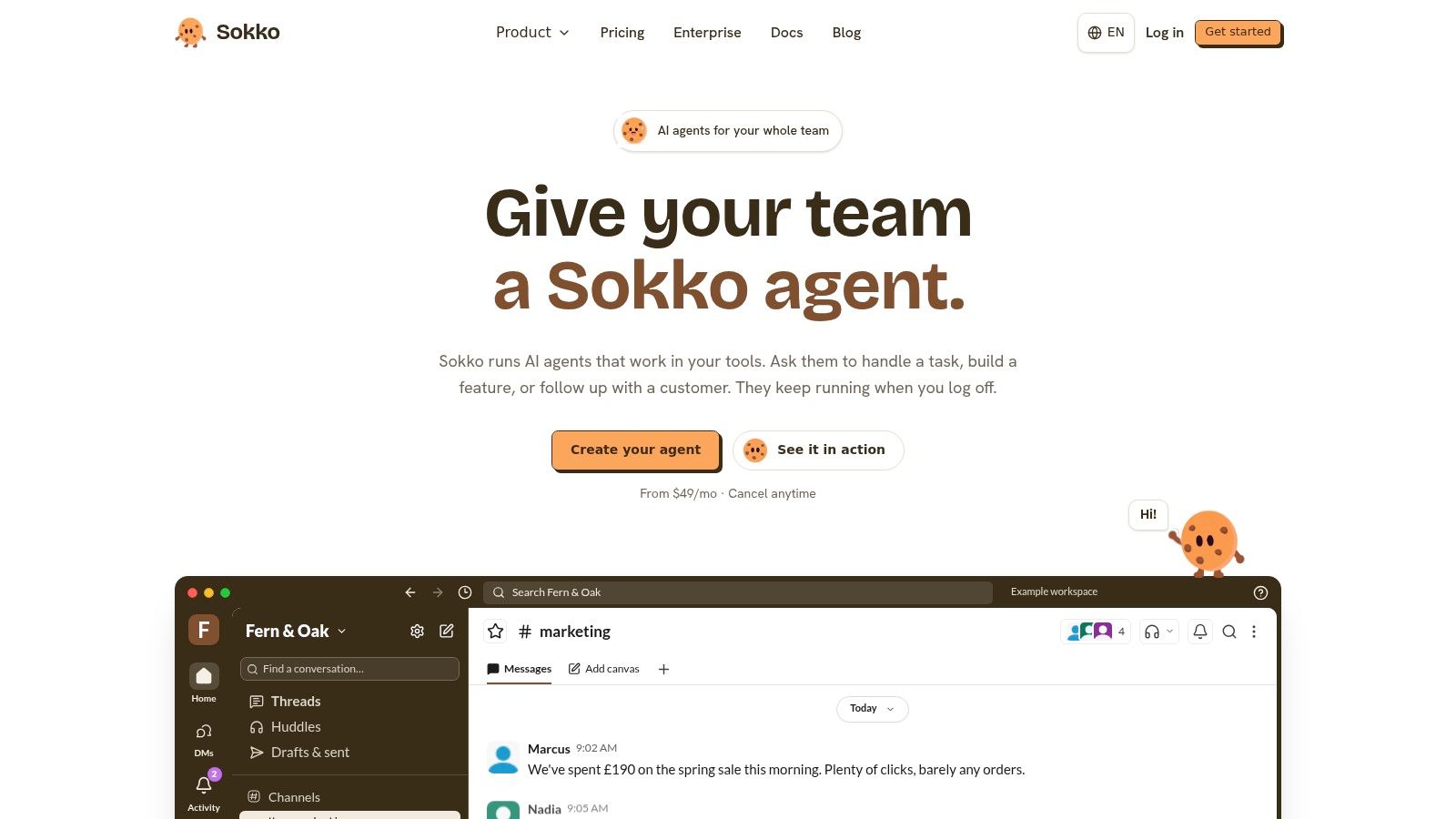
Sokko suits agencies and MSPs delivering an always-on AI agent with its own operating boundary. Instead of stopping at a branded conversation window, the deployment can include isolated machines, repository workflows, connected workplace tools, and browser-based application previews. Supported runtimes include OpenClaw, Hermes, Paperclip, and Cursor, with US and EU hosting options.
The useful pattern is the agent-to-devbox loop. An agent creates a branch, Sokko runs that branch on a disposable devbox, and the team receives a preview URL that opens in a browser. Because the devbox runs the repository stack, including the application, databases, and queues, a client can test a working result rather than rely on an agent's completion message.
Where Sokko earns its place
The deployment decisions matter more than the branding label:
Custom domains: Point the client's DNS record at the agent endpoint before the first demo, so vendor hostnames do not appear in the browser bar or shared links.
Client isolation: Assign each client agent its own machine, then use separate disposable devboxes for repository branches that need testing.
Invite-only access: Use the Bakery plan's controlled access for client teams instead of exposing an unfinished demonstration publicly.
Private networking: Put agents or devboxes behind Tailscale or Cloudflare Tunnel when the client requires a private network or customer-owned infrastructure.
Operational visibility: Review live terminals, audit logs, Markdown configuration, and connected apps during handoff and troubleshooting.
Public devbox mode gives signed-in organization members a sokko.run link. Private mode keeps the devbox inside a Tailscale network without a public URL. Devboxes are disposable, with a default lifetime of 24 hours. They stop after four idle hours while preserving data, and active testing can use extension options.
Practical rule: Separate the agent, client environment, and preview environment into distinct access surfaces. Assign ownership and a teardown procedure to each one.
The trade-off is scope. Sokko makes more sense when a client needs managed infrastructure, workplace integrations, repository workflows, and clickable previews. It is a poor fit when the requirement is only removing a chatbot watermark. Some runtime capabilities are still rolling out, Cursor does not drive devboxes today, and SOC 2 auditing and GDPR readiness work remain in progress. Verify current plans, quotas, and compliance documentation on Sokko before committing those details to a client.
2. Botpress
Botpress works well when the deliverable is a branded conversational layer on a client website, supported by a branded help center. Its white-label deployment pattern is narrower than Sokko's, but that can be an advantage for agencies that don't need to manage machines, repositories, or private networks.
The visible client experience is the webchat widget. Paid plans support unlimited AI agents, while the Help Center can run on a custom domain with its own branding. That lets an agency present a consistent support destination across the embedded chat and documentation, without forcing the customer into a vendor-facing URL.
The right Botpress boundary
Botpress also provides WhatsApp support, team collaboration, role-based access control, routing, and team analytics. Those features make it practical for a delivery team that needs to monitor conversations after launch. The Team plan's unlimited seats can help an agency include client stakeholders without building a separate identity layer.
The limitation is important. White labeling primarily covers the webchat and Help Center, not the entire Botpress application interface. A client may still encounter vendor context in internal administration screens or operational workflows. Conversation-based pricing can also make high-volume accounts harder to forecast than a flat infrastructure model.
For agencies comparing deployment approaches, Sokko's guide to white-label AI agents is useful as a contrast. Botpress is a hosted conversation product with selected branded touchpoints. Sokko is an infrastructure-oriented option for agents that need persistent runtime access and connected systems.
A practical rollout
Create one reusable bot template, then keep client-specific prompts, knowledge sources, escalation rules, and credentials separate. Test the widget and Help Center on the customer's domain before inviting end users. Don't describe the deployment as fully white labeled unless the client has reviewed every surface they'll use, including administration, billing, and support.
3. Landbot
Landbot is a strong fit for agencies delivering conversion flows, lead qualification, and WhatsApp journeys. Its visual builder keeps the implementation accessible to marketers, while its channel support lets teams move beyond a single website widget.
The key white-label pattern is plan-gated branding removal. Landbot removes its branding from the Professional plan upward, while Business adds enterprise-oriented support and service-level commitments. That creates a relatively clear procurement conversation: the agency can identify the minimum plan needed for a client-facing experience instead of discovering the limitation after building the flow.
Landbot supports Web, Messenger, API, and WhatsApp channels, along with shared inbox and handoff functionality. The shared inbox matters when an AI flow qualifies a visitor but a human must take over. It gives an agency a practical service boundary: automate the repetitive part, then route exceptions to the client's team.
The trade-off is tier dependency. Branding removal isn't available on Starter, and WhatsApp adds extra cost at Professional or is included at Business. Agencies should therefore quote the channel mix, not just the number of bots. A website-only deployment and a website-plus-WhatsApp deployment may require different commercial assumptions.
Use Landbot when the funnel is the product
Landbot is less suited to teams that need an agent to operate continuously across repositories, internal tools, and private networks. It's better when the client's success metric is a completed form, qualified lead, booked interaction, or human handoff.
For a broader view of how visual builders differ from managed agent hosting, see Sokko's no-code agent guide. Before launch, document every handoff path, including the inbox owner, response expectations, fallback message, and credential owner. A polished flow still fails if nobody owns the conversations it creates.
4. Typebot
Typebot offers a useful middle ground for agencies that want a visual chat-form builder today but don't want to close off a self-hosting path later. It's open source, available through hosted cloud, and explicit about the two controls that matter most in many white-label projects: branding removal and custom domains.
Branding removal is available on the Starter plan, while custom domains require Pro. That distinction is easy to explain to a client and easy to test during procurement. The visual editor handles structured flows, while custom JavaScript, CSS, and native integrations give a technical team more control than a basic form builder.
The deployment pattern suits a branded lead form, onboarding assistant, or guided qualification journey. WhatsApp integration is available on Pro, which can extend the same flow into a messaging channel. The open-source ecosystem also leaves room for self-hosting if the client later needs deeper infrastructure control.
That flexibility comes with a cost. Custom domains are not included at the lower branding tier, and billing is monthly only according to the supplied plan details. Agencies should avoid presenting Typebot as equivalent to a fully isolated agent platform. It can provide a clean customer-facing surface, but the operational model still depends on the hosted or self-managed environment chosen.
A repeatable Typebot setup
Start with a neutral master flow and clone it per client. Keep branding, webhook endpoints, analytics destinations, and authentication settings in a deployment record rather than changing them informally inside the editor. Then test the custom domain, embedded CSS, mobile layout, and fallback behavior from a clean browser session.
5. Tiledesk
Tiledesk is aimed at teams that need an omnichannel support environment with an open-source route and a commercial white-label option. It supports web, WhatsApp, and other channels, combining an inbox with AI agents. That makes it more appropriate for a managed support operation than for a single marketing widget.
Its deployment pattern is especially relevant to compliance-conscious agencies and MSPs. Teams can use the hosted service, explore the commercial white-label track, or self-host with custom domains using Docker Compose or Helm guidance. The chat widget can replace its footer and logo, giving the client-facing surface a more complete branded appearance.
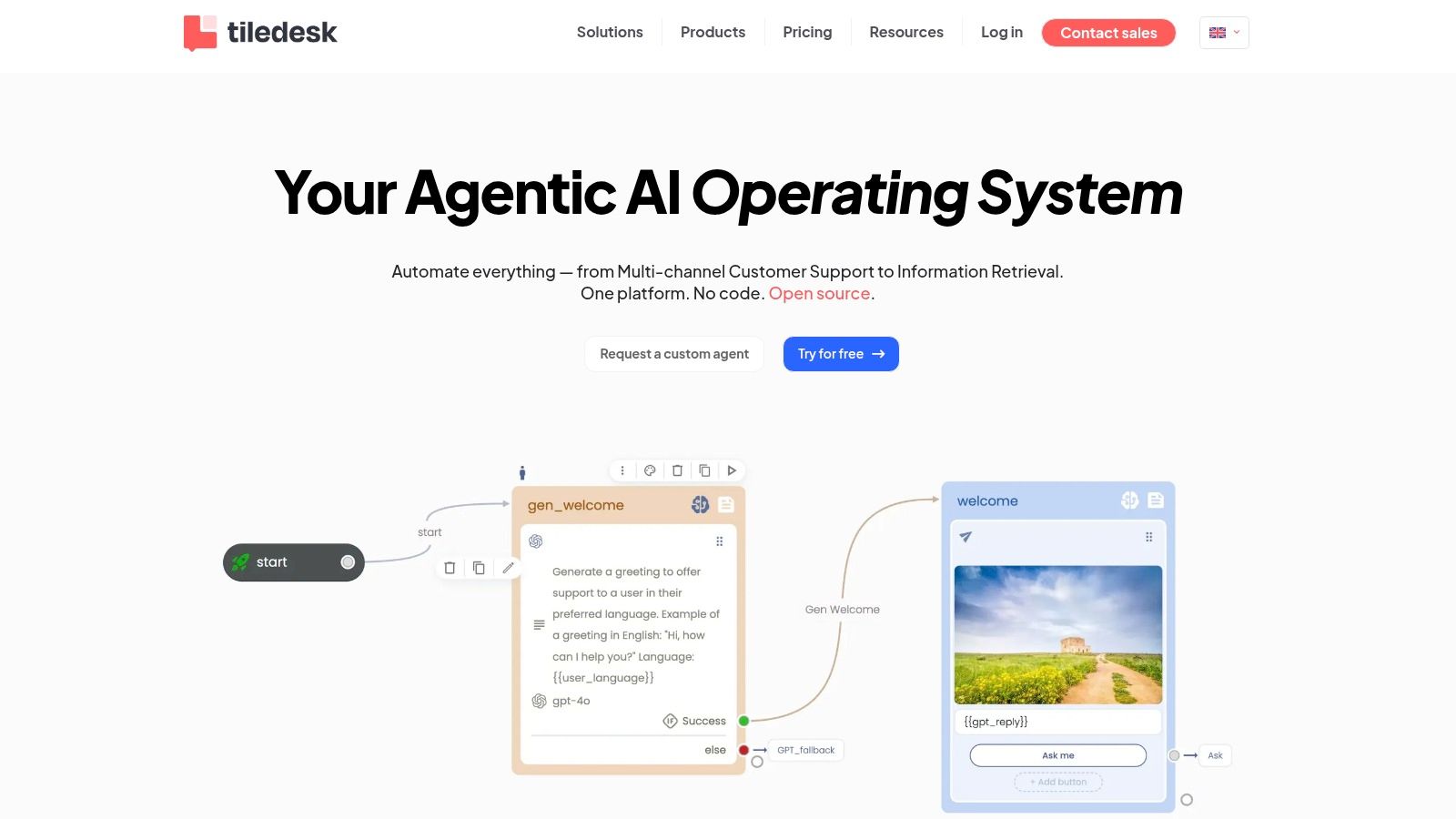
The open-source route is the main differentiator. An agency that expects hosting, networking, or data requirements to change can retain more control than it would with a purely hosted widget. It can also align the deployment with an existing container and domain-management process.
The weak point is commercial clarity. Tiledesk doesn't publicly list the exact white-label pricing and terms in the supplied product information, so the agency must contact sales. Public documentation also leaves uncertainty about the complete scope of the branded experience.
Don't sell “white label” as a single feature. Ask whether it covers the widget, inbox, admin console, emails, help center, domain, mobile surfaces, and support interactions.
Before selecting Tiledesk, request a written capability map for the specific hosted or self-hosted package. Include branding controls, tenant separation, authentication, backups, upgrade responsibility, and exit procedures. The product can be a flexible foundation, but the agency owns more of the implementation decision than it does with a tightly packaged hosted tool.
6. Chatwoot
Chatwoot is a practical choice when the client wants a broad customer-support inbox and the agency is comfortable choosing between SaaS convenience and self-hosted control. It supports web, email, social channels, WhatsApp, and help-center workflows, with AI capabilities available through paid additions such as Captain AI.
Its white-label model has two distinct paths. Chatwoot Cloud exposes branding removal at the Enterprise tier. Self-hosted customers can enable Custom Branding with Premium Support. That distinction matters because the open-source label alone doesn't mean every branding feature is available in the free community deployment.
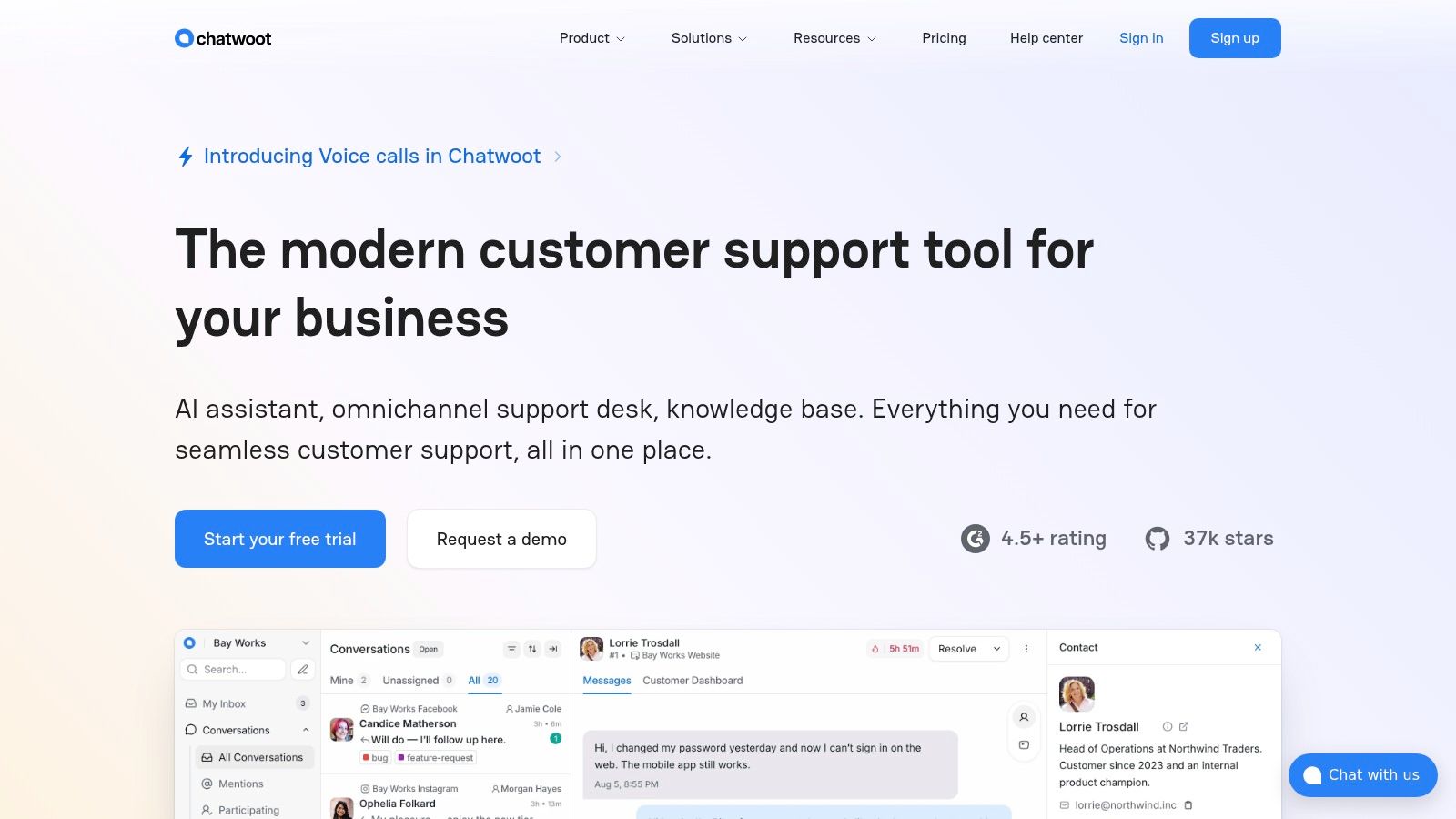
The self-host option gives an MSP more control over hosting, upgrades, network placement, and data handling. It also introduces responsibility for operations. Someone must maintain the instance, monitor background jobs, manage storage, apply updates, and handle channel credentials. A hosted Enterprise deployment removes much of that work but can make full branding more expensive.
Chatwoot is better for a shared service desk than for repository-based AI delivery. It can centralize conversations and support human teams, while Sokko is better suited to isolated always-on agents that need terminals, private networking, and live application previews. Sokko's customer support automation overview provides a useful comparison point for that operational distinction.
Choose the ownership model first
Decide whether the agency is selling a managed support inbox or managed infrastructure. If the former is true, Cloud may be simpler. If the client requires hosting control and accepts operational responsibility, self-hosting can be more appropriate. Record who owns the workspace, channels, data exports, AI credentials, and shutdown process before onboarding agents or client staff.
7. Crisp
Crisp targets teams that want an omnichannel support suite with a straightforward workspace model. Its white-label feature removes the “We run on Crisp” badge on paid Plus plans, while the help center supports a custom domain and further customization.
That makes Crisp a good example of surface-level white labeling done well. The client sees its own support identity in the help center and no vendor badge in the primary customer experience. The agency doesn't need to self-host the entire stack or build a separate customer portal.
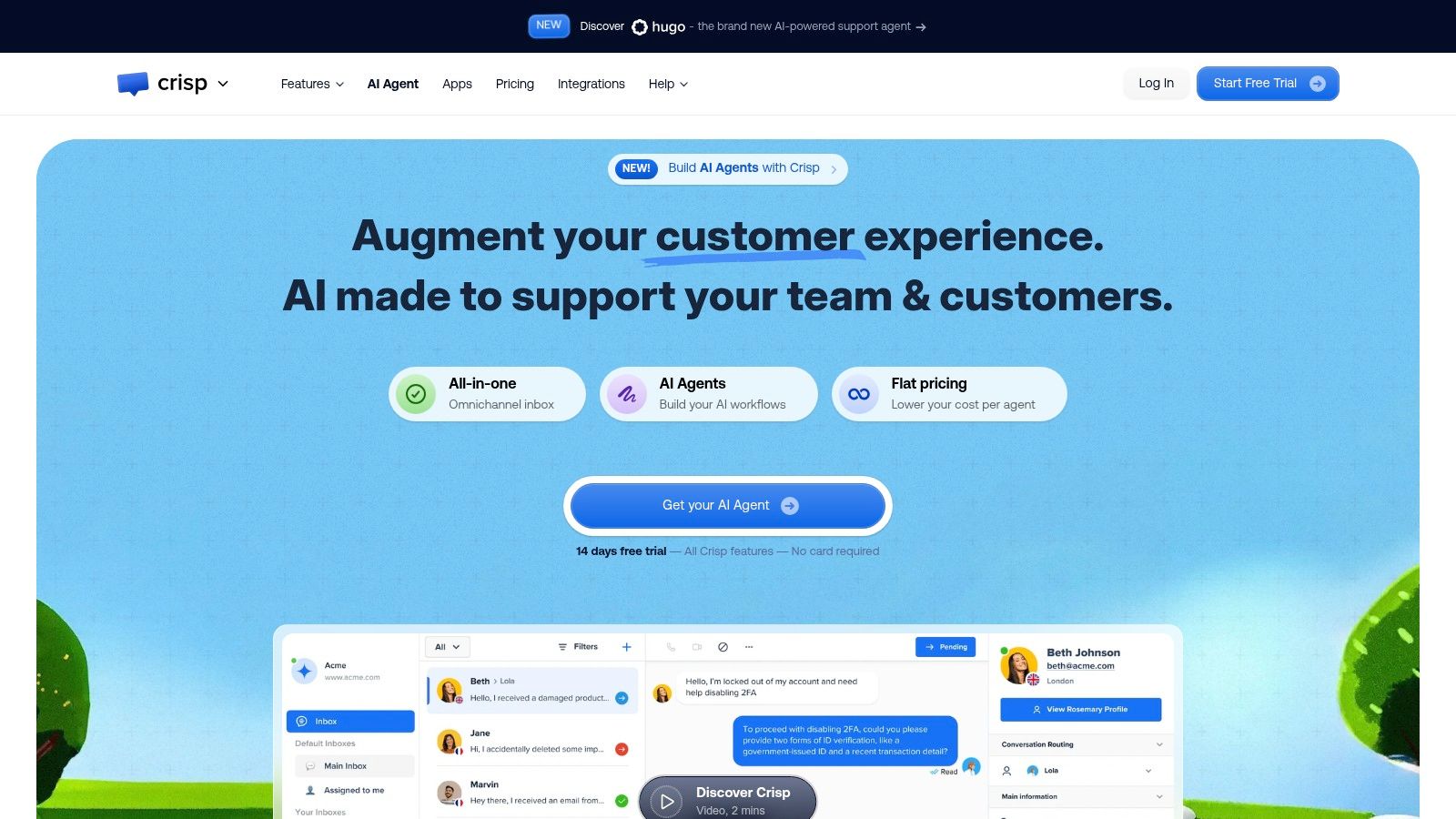
Crisp's flat per-workspace billing model can be easier to explain than conversation-based pricing when the client has several support operators or an unpredictable message volume. The platform also includes many integrations and AI-assisted features, which supports a broader support workflow than a standalone chat widget.
The limitation is scope. White labeling focuses on badge and watermark removal rather than a complete application rebrand. The Plus plan is also positioned above many entry-level tools, so the agency should compare the cost of the workspace against the number of clients and operators it will serve.
Make the boundary explicit
Crisp works when the customer needs branded support touchpoints and a managed inbox. It isn't a substitute for isolated agent hosting, custom private networking, or devbox-based application delivery. If the client wants an agent to open pull requests, consume internal documentation, and produce a clickable branch preview, a platform built around persistent runtimes is a better match.
Configure the custom help-center domain early. Then inspect emails, invitation screens, operator views, widget behavior, and escalation messages. A client may accept a vendor name in an internal admin screen, but they shouldn't discover unexpected branding in the customer journey after launch.
Top 7 White-Label Platforms Comparison
| Product | 🔄 Implementation Complexity | ⚡ Resource Requirements | ⭐ Expected Effectiveness | 📊 Ideal Use Cases | 💡 Key Advantages / Tips |
|---|---|---|---|---|---|
| Sokko | Managed platform with per-agent machines and network setup, moderate complexity | Higher, dedicated always-on agents, per-branch devboxes, AI credits & optional memory add-on | ⭐⭐⭐⭐, predictable performance, live testable previews | Repo workflows, CI/CD automation, agencies needing per-client isolation, EU data-residency | Fast sub-minute live previews; one-agent-per-machine; verify current pricing and SOC 2 status |
| Botpress | Hosted Studio + webchat config, moderate complexity | Moderate, hosted plans include agents; conversation volume affects cost | ⭐⭐⭐⭐, strong for branded webchat and help centers | Agencies, multi-client deployments, teams needing white‑label webchat | White‑label webchat & Help Center; unlimited agents on paid tiers; monitor conversation overages |
| Landbot | Visual builder, low to moderate complexity | Moderate, plan tiering for branding and WhatsApp add‑ons | ⭐⭐⭐, effective for conversion-focused chatbots | Conversion-oriented sites, WhatsApp flows, agencies standardizing on one vendor | Clear tiering for branding removal; WhatsApp may incur extra cost at lower tiers |
| Typebot | Hosted + open‑source option, low complexity to self‑host | Low, starter hosting; self‑host requires infrastructure | ⭐⭐⭐, good for chat forms and simple bots with branding control | Agencies wanting easy white‑label and the option to self‑host later | Branding removal on Starter; custom domains on Pro; open‑source fallback |
| Tiledesk | Self‑host or hosted, higher complexity if self‑hosting | Variable, self‑host needs Kubernetes/Docker; hosted reduces ops | ⭐⭐⭐, flexible omnichannel & deep widget customization | Compliance-sensitive orgs, teams needing deep customization & self‑host options | Open‑source + commercial track; white‑label pricing via sales; docs for Helm/Docker |
| Chatwoot | Self‑host or cloud, moderate to high complexity for full control | Variable, self‑host requires infra; cloud tiers limit branding removal | ⭐⭐⭐⭐, broad channel support for customer support use cases | Support teams needing omnichannel inbox and branding control | Custom Branding via Premium Support (self‑host) or Enterprise cloud; AI add‑ons available |
| Crisp | Low complexity, SaaS with simple activation for white‑label | Low to moderate, per‑workspace flat pricing | ⭐⭐⭐, solid for straightforward client‑facing branding needs | Agencies needing badge removal and flat per‑workspace billing | Removes "We run on Crisp" on Plus; help center custom domain; not full app rebrand |
Turn These Patterns Into a Deployment Plan
Start by defining the client's actual requirement. A branded widget, custom domain, isolated runtime, private network, and invite-only access are different controls. A tool that removes a footer logo may solve the first problem while doing nothing for the other four.
Separate visible branding from operational isolation. Botpress, Landbot, Typebot, Tiledesk, Chatwoot, and Crisp can all support branded customer-facing experiences in different ways. Sokko adds a more infrastructure-oriented pattern, with isolated machines for always-on agents, custom-domain delivery, invite-only access, private networking, and disposable devboxes that turn repository branches into clickable previews.
Your selection process should answer these questions:
What does the client see: Is the deliverable a widget, help center, inbox, agent endpoint, or live application preview?
Who gets access: Does the client need public access, signed-in organization access, or an invite-only environment?
Where does data run: Does the project require a hosted SaaS workspace, self-hosting, US hosting, or EU data residency?
Who operates it: Will the agency manage credentials, upgrades, integrations, logs, backups, and support?
What happens after delivery: Can the client export conversations, configuration, memory, prompts, repositories, and domain settings?
What are the plan limits: Are custom domains, branding removal, WhatsApp, AI usage, support, or private networking restricted to a higher tier?
Verify current pricing and plan limits before making a proposal. Product pages change, and a capability that exists in one tier may be unavailable in another. Sokko's published materials include different plan references across product notes, so confirm the current details at sokko.ai before committing to quotas, included credits, or runtime availability.
Document ownership before launch. Assign the client or agency as owner of the domain, model keys, connected apps, repository, memory files, billing account, and data export. For shared persistent memory, decide whether knowledge belongs to one agent or an entire fleet, then define what gets imported, edited, reviewed, and deleted.
A final validation pass should confirm:
Branding: No unintended vendor logo, badge, favicon, email footer, or default domain remains.
Isolation: One client cannot view another client's conversations, files, credentials, logs, memory, or previews.
Access: Invitations, authentication, role permissions, and private-network rules behave as documented.
Operations: The team can inspect logs, test integrations, rotate credentials, and recover from failure.
Lifecycle: Preview expiry, data retention, teardown, export, and offboarding steps are written down.
Commercials: Current pricing, usage limits, support terms, and compliance status are approved.
Choose Sokko when the core requirement is an always-on agent paired with isolated, clickable devbox previews and custom-domain delivery. Choose the other examples when the requirement is narrower, such as a branded widget, conversion flow, omnichannel inbox, or help center. The best white label deployment disappears from the customer experience, but remains clear and accountable to the team operating it.
Sokko provides isolated hosting for always-on AI agents, custom domains, invite-only access, connected apps, private networking, and devboxes that turn agent-written branches into live previews. If that deployment pattern matches your agency or MSP workflow, visit Sokko to review the current platform capabilities and plans.